

Running your first audit
What happens during an audit, when to refresh it, and what to do when it stalls.
The audit is what produces every Triage item, Opportunity, and Test idea in your store. Knowing when it runs and when to refresh it keeps your backlog useful.
When an audit runs
Spar runs the first audit automatically when you add a store. You'll see a banner at the top of every page until it finishes. Most pages will show an "Audit running" placeholder until results are available.
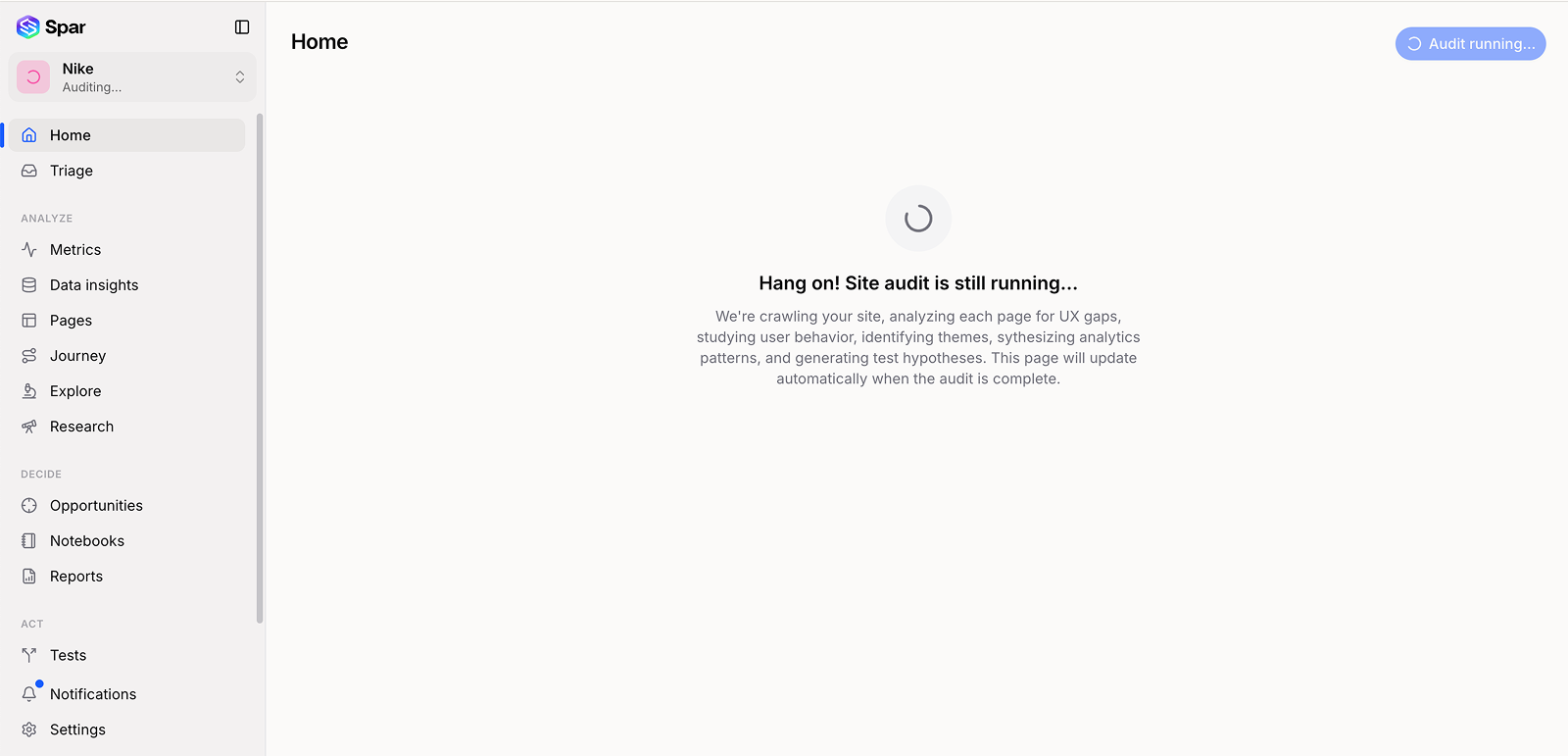
How long it takes
A first audit typically completes in a few minutes for most stores, but it depends on store size, how many pages we crawl, and whether analytics is connected. You don't need to keep the tab open — the audit runs server-side and the UI will catch up the next time you load any page in that store.
Refreshing the audit
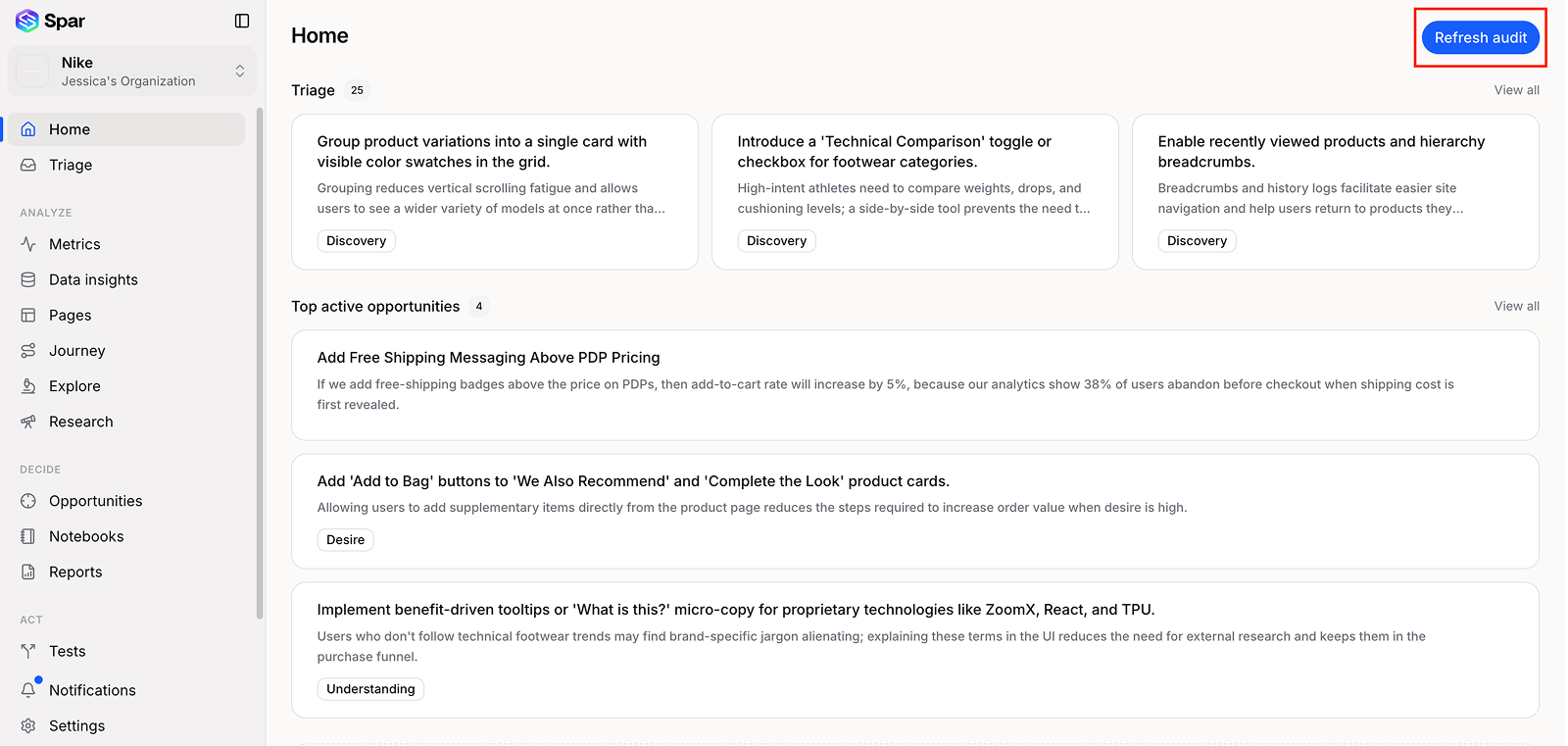
Click Refresh audit in the top right of the Home page when:
- You've made meaningful changes to the live store and want to re-score.
- You connected (or reconnected) an integration after the first audit.
- The current results feel stale and you want a fresh pass.
Refreshing keeps your historical data — completed tests, resolved opportunities, notebook entries — and updates the gap and hypothesis ranking to match the current store.
If the audit fails or stalls
Most stalls are caused by:
- The store blocking automated traffic. If you have a firewall or bot manager, you may need to allow our crawler. Email stores@cuped.ai and we'll send the current IP range.
- Geo-gating. If the store only loads in certain regions, let us know so we can crawl from a matching region.
- A page that requires login. Add the page to the crawl pin list under Settings → Crawl and reach out so we can wire up a test credential.
If something's stuck for more than 30 minutes, email stores@cuped.ai — we'll dig into the job logs and unstick it.
Last updated on