

Add your own idea
Capture a hypothesis you came up with — not one Spar surfaced — and track it the same way as any audit-generated opportunity.
Spar surfaces most opportunities for you, but sometimes the idea comes from your own head, a customer interview, or a competitor teardown. This guide walks through capturing one manually so it sits alongside everything else in your funnel.
1. Open Opportunities
Go to Opportunities in the sidebar. Click Create opportunity in the top-right.
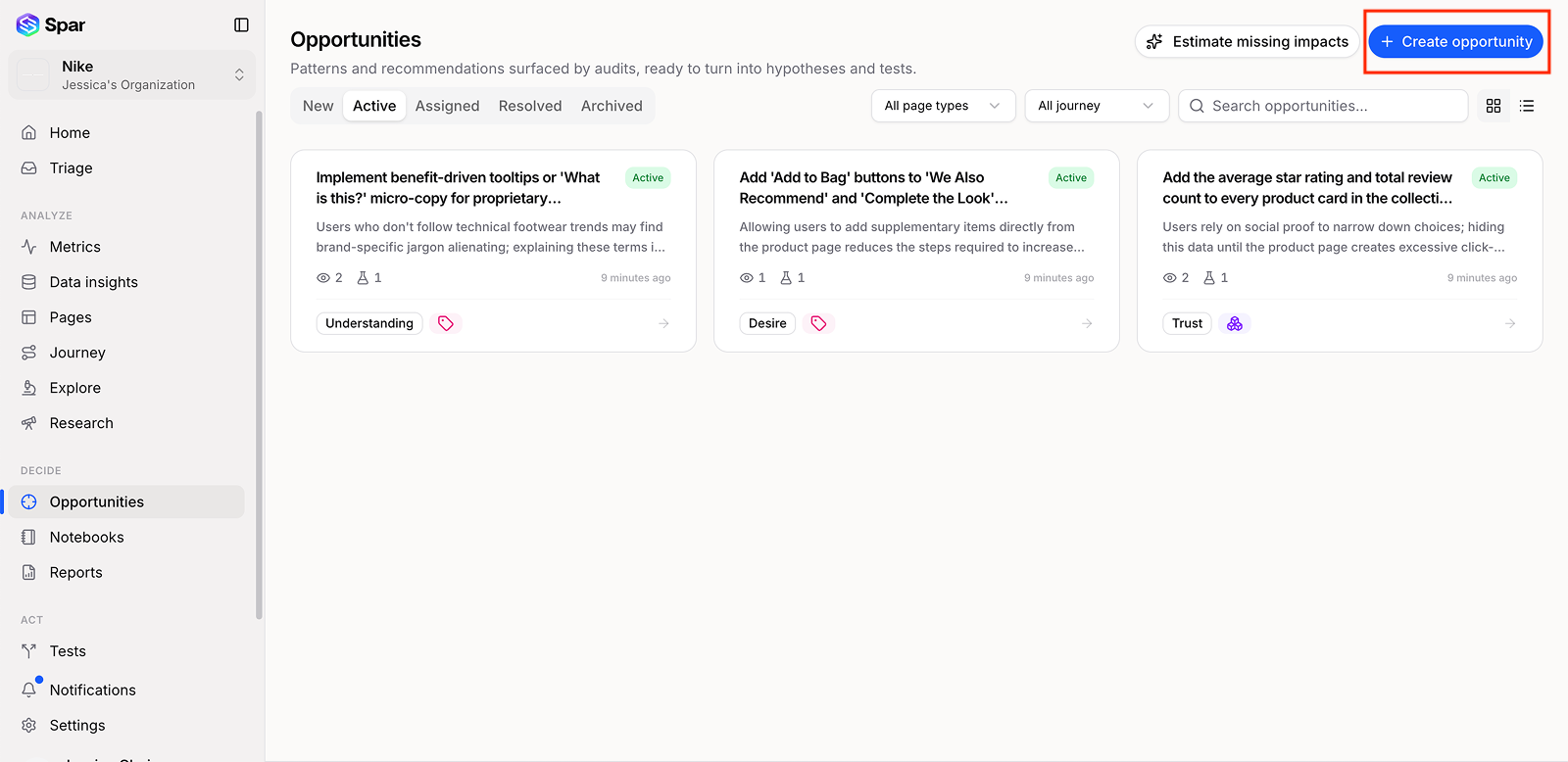
2. Write the hypothesis
In the Create opportunity modal, fill in three fields:
- Title — a short label for the idea (e.g. "Add Free Shipping Messaging Above PDP Pricing").
- Page type — pick the page this applies to, or choose Site-wide if it isn't tied to one page.
- Summary (optional but recommended) — write your hypothesis using the if/then/because format:
If we add free-shipping badges above the price on PDPs, then add-to-cart rate will increase by 5%, because our analytics show 38% of users abandon before checkout when shipping cost is first revealed.
Tight hypotheses are easier to score, easier to share with stakeholders, and easier to declare a winner on.
3. (Optional) Link supporting context
You can attach:
- Gaps — if your idea is reinforced by an existing gap in Triage, link it. Linked gaps roll up into the opportunity's projected gain.
- Inspiration pages — reference patterns from Inspiration. If the example you have in mind isn't there yet, add it first — see Add inspiration from another site.
- Notes from a notebook — pull in observations you've been collecting in a Notebook.
4. Score it
Spar will auto-score with ICE, PIE, and PXL based on what you've written. Adjust the inputs if you have a stronger signal than the defaults — the scores feed into ranking on the Opportunities page.
5. Decide what's next
From the opportunity detail page, choose how to act on it:
- Run as a test — push it into Tests and generate a variant. See Run an A/B test end to end.
- Ship as a fix — push it into Fixes if the change is obvious enough to skip the test.
- Share for approval — send the link to a stakeholder first. See Working with stakeholders.
Why bother capturing it in Spar?
You could keep ideas in a Google Doc. The reason to put them here:
- They get scored against your real analytics, not gut feel.
- They show up in the same ranked list as audit-surfaced opportunities.
- They have a clear path to a test or fix with one click.
- They appear in Reports when you generate a client deliverable.
Last updated on