

Goals
Rank your optimization objectives and set target values for your key metrics.
Tell Spar what you're trying to move. Settings > Goals has two parts: a ranked list of objectives and a set of KPI targets.
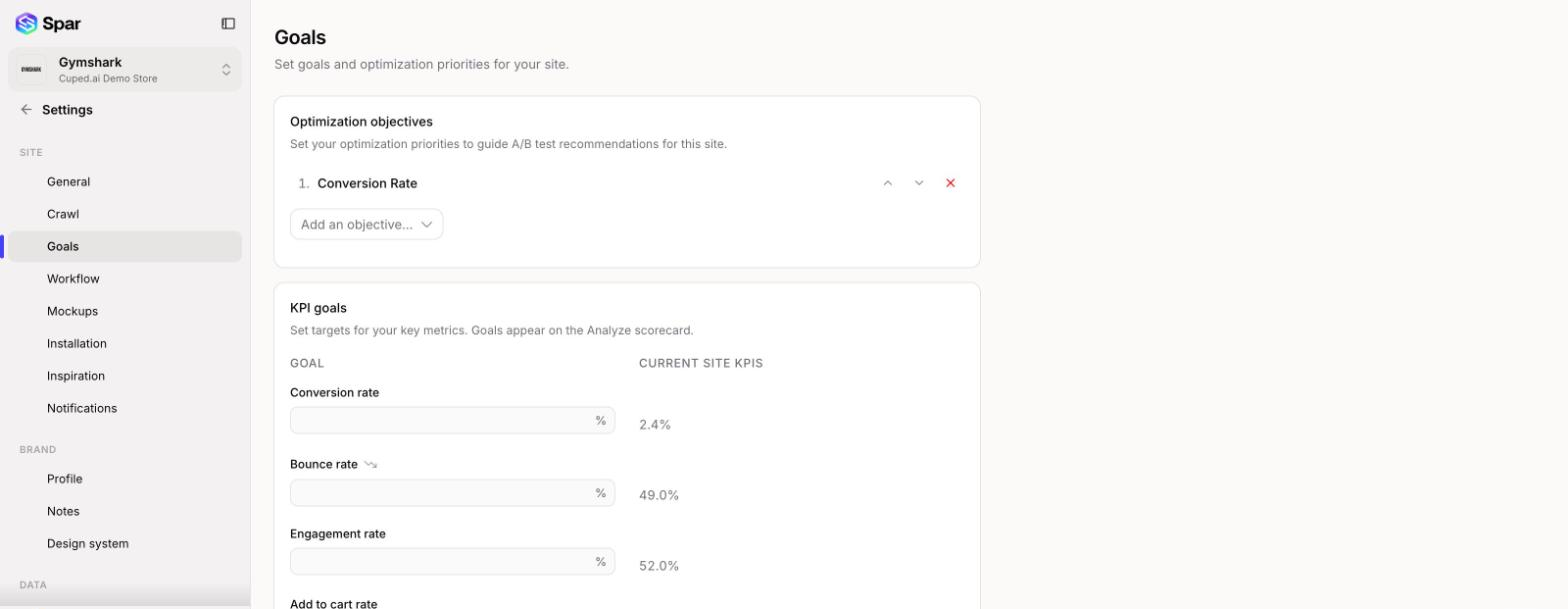
Optimization objectives
These are your priorities, in order, and Spar uses them to guide its A/B test recommendations for this site.
- Add one from Add an objective.... The list only shows objectives that fit your business model.
- Use the up and down arrows to reorder. The top objective is your first priority.
- Click the red X to remove one.
KPI goals
Enter a target for any metric you care about. Goals show up on the Metrics scorecard. Leave a field blank if you don't want a goal for it.
The Current Site KPIs column shows your last 30 days next to each input so you can set a realistic target. A few things to know:
- Metrics with a small downward-arrow icon, such as bounce rate, are better when lower.
- The current value turns green once you've reached the goal.
- If you type a goal that's worse than where you are today, Spar warns you with Goal is worse than current value.
- Ecommerce sites also get revenue per session and revenue per visitor goals.
Save with the bar at the bottom of the page.
Last updated on